Arsenal
Weapons database
Compare every weapon family across all rarity variants, including exact combat stats, elements, fixed effects, and eligible rolls.
45 results
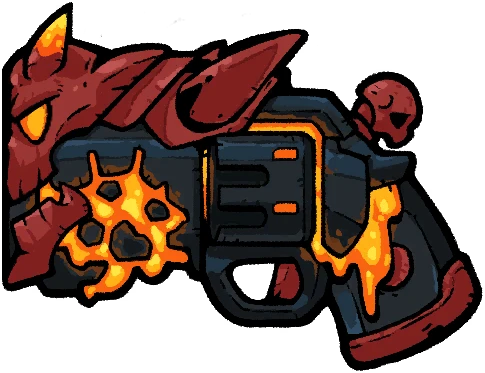
War Dominator
1 rarity variants.
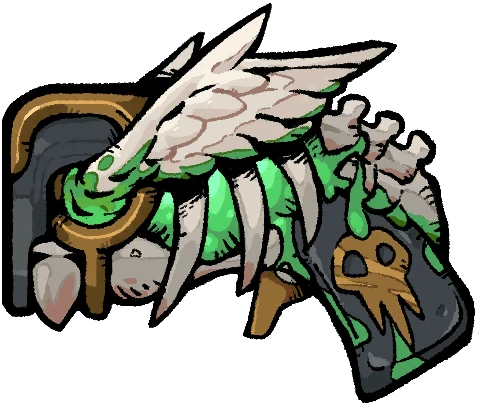
Conquest Dominator
1 rarity variants.
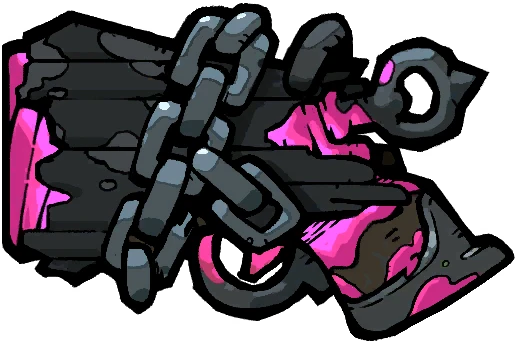
Famine Dominator
1 rarity variants.
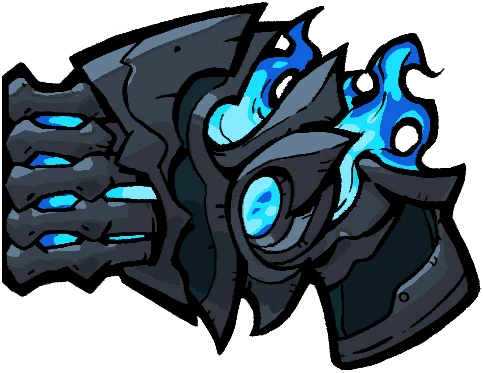
Death Dominator
1 rarity variants.
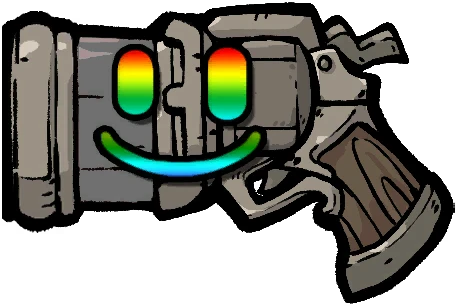
Mundane
1 rarity variants.
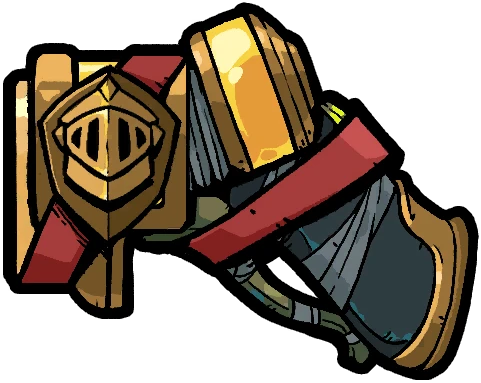
Dash Knight
1 rarity variants.
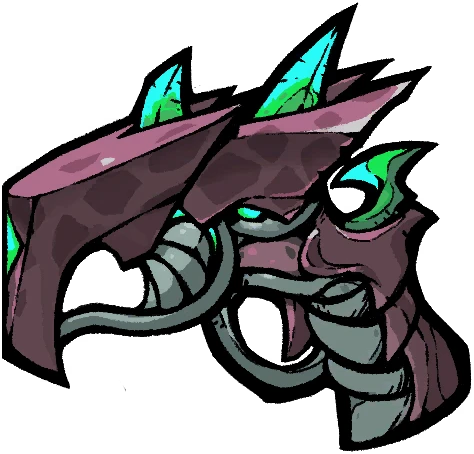
Scorpion Tail Bone
5 rarity variants.
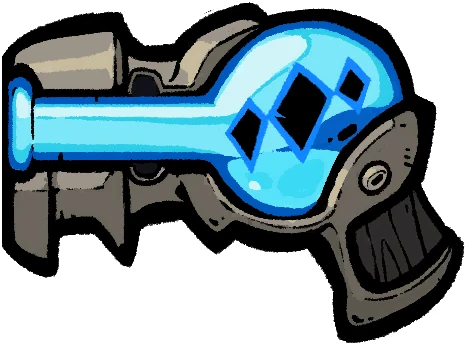
Dark Ice
5 rarity variants.
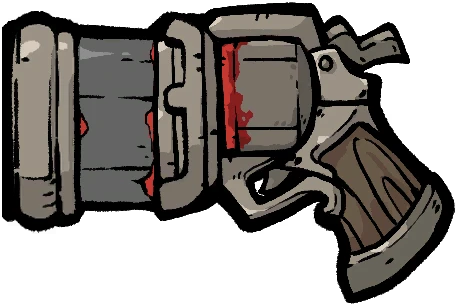
Vintage Musket
5 rarity variants.
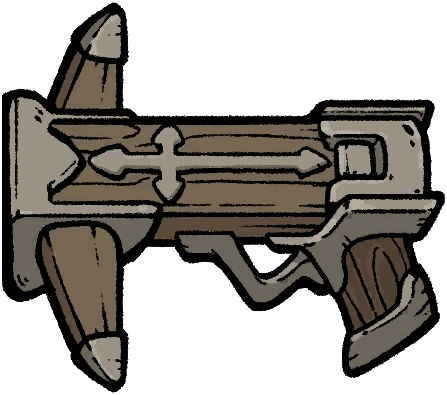
Demonhunter Crossbow
5 rarity variants.
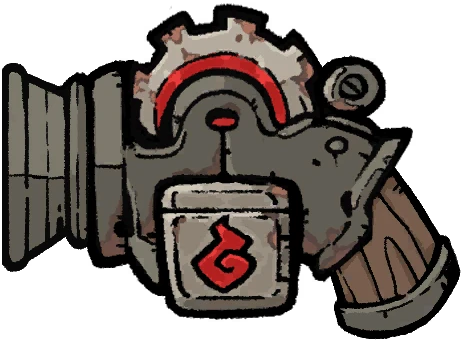
Ember Spark
5 rarity variants.
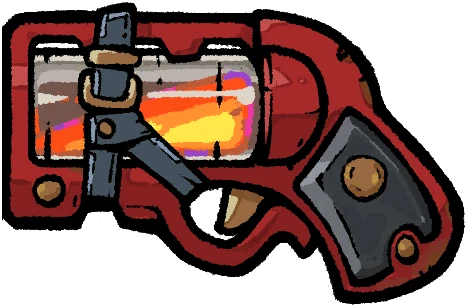
Flare Gun
5 rarity variants.
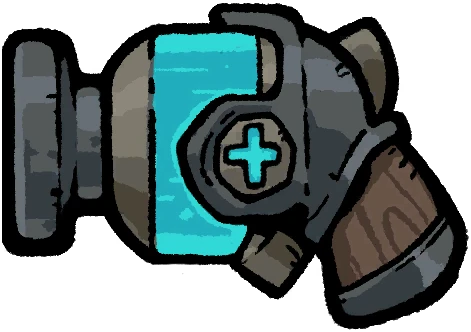
Ice Shatterer
5 rarity variants.
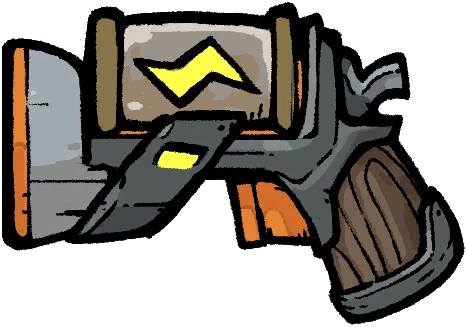
Lightning Gun
5 rarity variants.
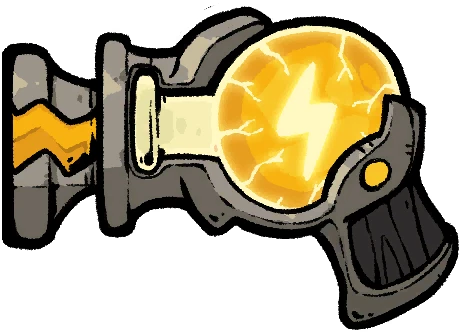
Overcharged Lightning
5 rarity variants.
Weapon comparison guide
How to compare weapons beyond rarity
A useful weapon comparison starts with the firing loop, not the color of the reward card. Attack range, magazine size, fire interval, charge behavior, elemental buildup, and fixed effects all change how reliably a weapon supports a run.
Use the database to narrow by element, then open the families that fit your current relic and weapon-part triggers. There is no universal best weapon: the better choice is the one whose timing and payoff your build can actually repeat.
Start with the firing loop
Standard-fire weapons use their displayed attack range directly, while charge weapons show how attack and buildup scale from a partial charge to a full charge. Compare that behavior with ammo, shots per second, and reload timing before treating a large maximum as dependable damage.
- A small magazine can make First Shot and Final Shot effects occur more often.
- A charge weapon asks whether you can safely hold the shot long enough to reach its upper value.
Match the element to the Transmutation
Every weapon family in the current archive uses one of five elements. Physical builds Hemorrhage, Frost builds Freeze, Lightning builds Disruption, Acid builds Corrosion, and Fire builds Ignition. Buildup is therefore a separate decision from Bullet Attack: it determines how often the corresponding Transmutation can become part of your engine.
- Check relic and part text for the exact Transmutation name you already trigger.
- Read the mechanic definition before comparing effects that trigger a Transmutation directly.
Separate fixed effects from rolled affixes
A rarity variant has its own fixed Weapon Effects, but an individual drop can also roll from an eligible affix pool. The pool preview is not a promise that every listed affix appears together, and a selection weight is not a standalone percentage. Compare the fixed effect first, then inspect which random rolls can support it.
- Not every family has the same set of rarity variants, so compare only the versions that actually exist.
- Use the build planner when you need to test the weapon, part, affixes, and relics as one loadout.